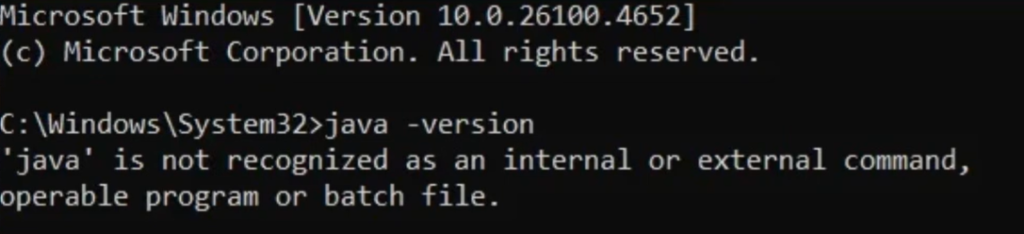
Generally, developers face this issue when they see the error “Java is not recognized as an internal or external command” in the Command Prompt. This usually occurs when Java is not installed properly or the required environment variables have not been configured correctly.
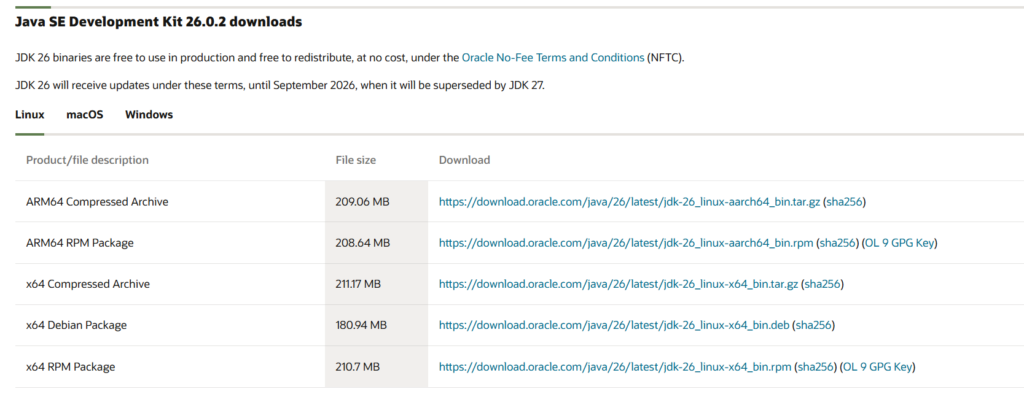
First, you have to download the JDK from the official Oracle website. The current major release is JDK 26.
Once you have downloaded and installed the JDK, go to Program Files → Java → jdk-26 → bin and copy the path of the folder.
This path will be required when configuring the Java environment variables.
Make sure you copy the complete path correctly before proceeding to the next step.
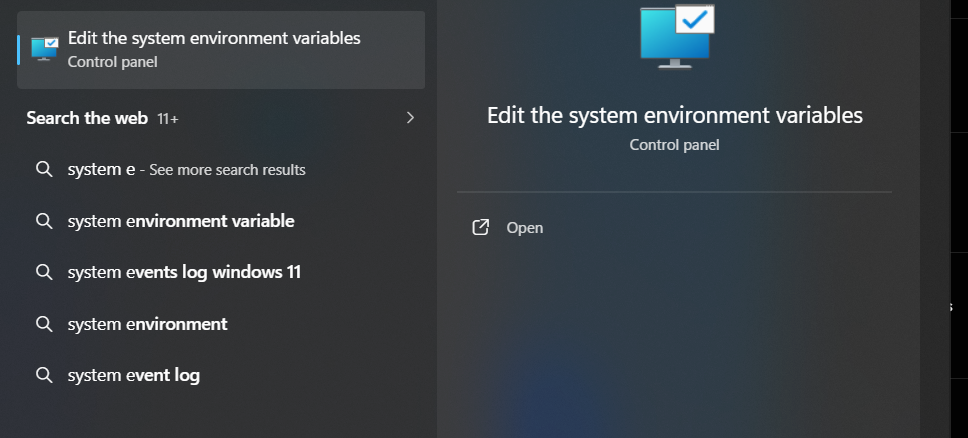
Once you open it, click on Environment Variables.
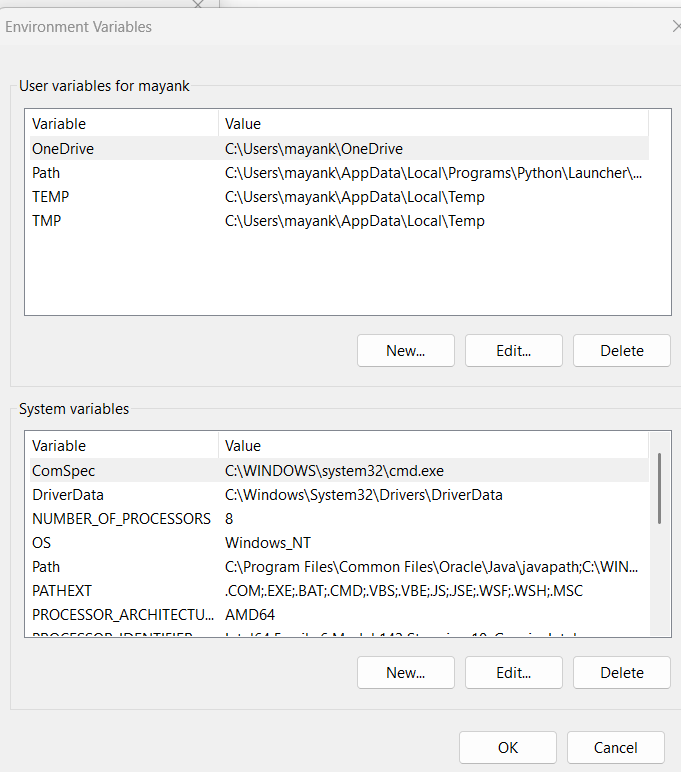
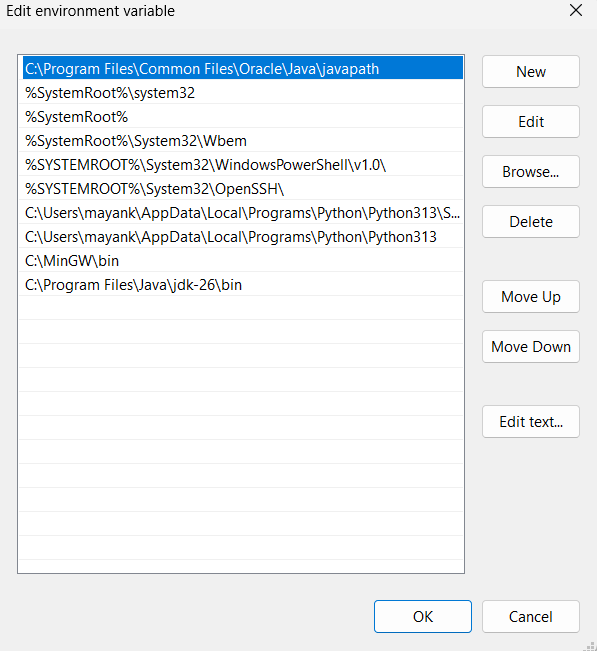
In the System Variables section, click on Path and then double-click it. Click the New button and add the path that you copied earlier.
After adding the JDK bin path, click OK to save the changes. Then click OK on the remaining windows to close the Environment Variables settings. Finally, restart your Command Prompt and run the javac command again to check whether Java is configured correctly.

This is the complete process you need to follow to successfully resolve this issue.